Cloud servers, without the cloud confusion.
Virtual server infrastructure in Bang IT Cloud or Microsoft Azure, designed and managed around the workload.
Moving a server to the cloud should solve a business or technical problem — not simply move the same problems somewhere else.
Bang IT can design, migrate and manage virtual server environments using our own managed cloud platform or Microsoft Azure, depending on the workload, requirements and way your business operates.





Two cloud options
Choose between Bang IT Cloud and Microsoft Azure based on the workload and requirements rather than forcing every environment onto one platform.
Australian locations
Bang IT Cloud infrastructure is available from Sydney, Melbourne and Brisbane locations, with US options also available where appropriate.
Managed by our team
We can build, configure and manage the server environment rather than simply handing you a cloud account and leaving you to work it out.
Backup & recovery
Cloud workloads can be designed with appropriate backup and recovery arrangements rather than relying on the production server alone.
The right cloud depends on what you’re running
There is no single cloud platform that is automatically the best fit for every server or application.
Some workloads suit Microsoft Azure. Others can be run simply and effectively on the Bang IT cloud platform. In other environments, keeping part of the infrastructure on-premises may still make sense.
We start with the application, users, performance requirements, data, connectivity and recovery needs before deciding where the workload should live.
Need to give your team remote access to Windows applications or a complete desktop? Explore Hosted Desktops & Published Applications.

More than somewhere to put the server
Cloud infrastructure still needs to be designed, maintained and supported. Moving the server out of the office does not remove the need for somebody to look after it.
Virtual machines
Build and configure supported virtual servers with suitable processing, memory and storage resources for the workload.
Operating systems
Install and manage supported server operating systems and the configuration required for the environment.
Applications and workloads
Work with the server applications and technical requirements that form part of the agreed cloud environment.
Networking
Configure the network connectivity required for users, offices and supported systems to reach the cloud environment securely.
Monitoring and maintenance
Monitor and maintain supported server infrastructure as part of the agreed management service.
Backup and recovery
Protect supported workloads using suitable backup arrangements and provide recovery options appropriate to the server and application.
Moving the workload is only part of the migration
A server migration involves more than copying files into a new virtual machine. Applications, databases, users, networking, performance, dependencies and backup requirements all need to be understood before the old environment is switched off.
Bang IT can review suitable existing server workloads and plan their move into Bang IT Cloud or Microsoft Azure where cloud hosting makes sense.
Review the existing server
Understand the workload, applications, resources, data and dependencies.
Choose the destination
Determine whether Bang IT Cloud, Microsoft Azure or another approach is appropriate.
Design the environment
Size the virtual server and plan the networking, storage, access and backup requirements.
Build and migrate
Prepare the destination environment and move the agreed workload and data.
Cut over
Move users and services onto the new environment in accordance with the agreed migration plan.
Validate and manage
Confirm the workload is operating as expected and work through any agreed post-migration tasks.
Not everything has to move to the cloud
For some organisations, a hybrid environment remains the most practical option. A business may continue running some systems locally while other servers or services operate in Azure or Bang IT Cloud.
We can help manage the infrastructure as one environment and work through the connectivity required between offices, users and cloud-hosted systems.
The production server shouldn’t be the only copy
Whether a server runs in your office, in Microsoft Azure or on the Bang IT cloud platform, important workloads still need an appropriate recovery plan.
Bang IT can configure backup arrangements that protect supported files, databases or complete server workloads, with recovery copies stored separately from the production environment where appropriate.
Files and folders
Recover individual files, folders or earlier versions where the backup platform supports the required restore point.
SQL and application data
Protect and recover supported database or application data according to the backup design.
Full server recovery
Where appropriate, protect the entire server or virtual machine so that a wider workload recovery is possible following a major failure.
Recovery may involve restoring into the original environment or, where the backup architecture supports it, recovering a workload into another suitable environment.
Explore Backup & RecoveryThe cloud still needs a reliable connection
Users still need reliable connectivity to reach cloud-hosted servers and applications. For office-based workloads, the internet connection, firewall and network can be just as important as the server itself.
Bang IT can help source suitable business connectivity and provide the firewall, switching and Wi-Fi infrastructure required at the office.
Explore Business Internet & NetworkingCloud infrastructure as part of the wider environment
For Managed IT clients, cloud servers can form part of the wider technology environment we manage alongside Microsoft 365, users, devices, networking, security and backups.
That gives our team more context when a user has a problem or a server issue affects another part of the business.
Explore Managed ITCloud solutions in the real world
8 case studies
A growing Australian recruitment company
Helping a growing recruitment company introduce hot desking and flexible working
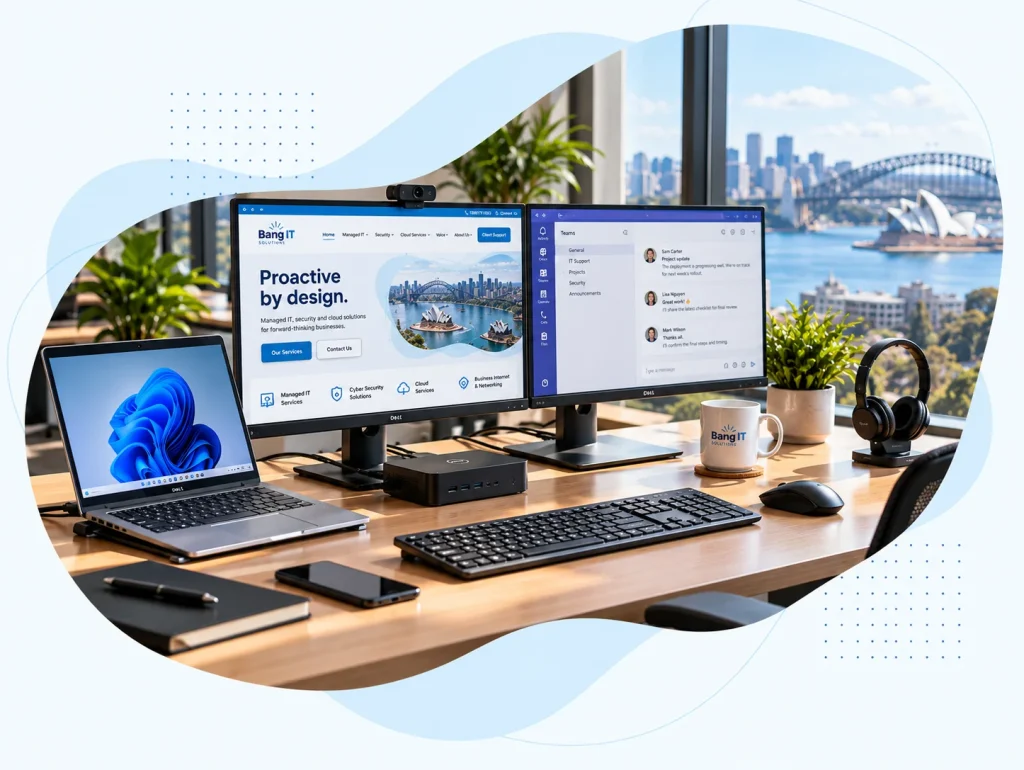
We helped a growing Australian recruitment company move from fixed desktop PCs to business laptops and standardised shared desks, enabling hot desking and working from home while making more flexible use of its existing office.
Read case study : Helping a growing recruitment company introduce hot desking and flexible working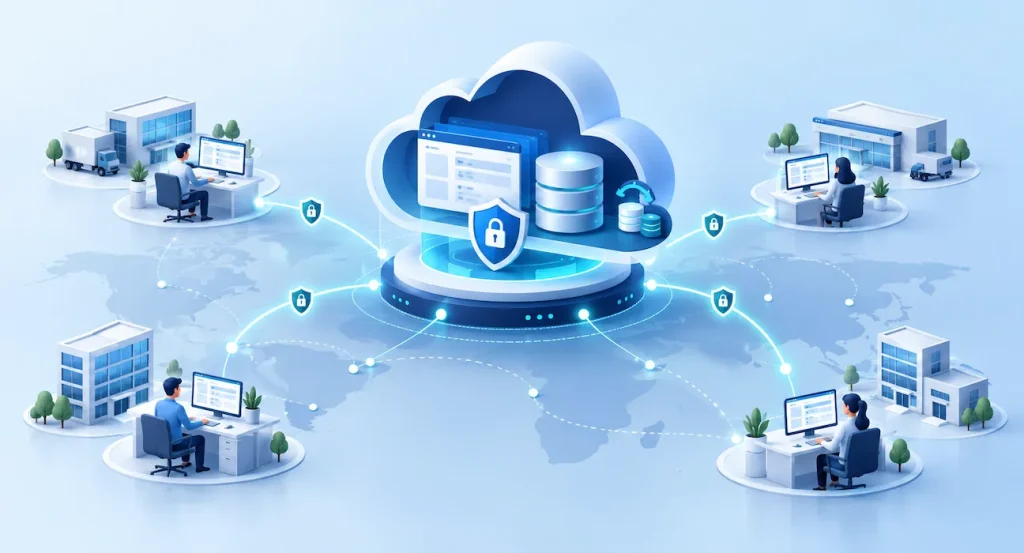
TradeWindow Cyberfreight — Australian freight forwarding software provider supporting more than 200 customer organisations
Taking a desktop freight application into the cloud
We built a hosted cloud environment for TradeWindow Cyberfreight, moving more than 200 customers away from locally hosted databases and giving users secure access to their business application from anywhere.
Read case study : Taking a desktop freight application into the cloud
Sydney-based engineering company
Moving an engineering company from Google Workspace to Microsoft 365
We migrated a Sydney engineering company from Google Workspace to Microsoft 365, moving Gmail and Google Drive data into Exchange Online, SharePoint and OneDrive without business downtime.
Read case study : Moving an engineering company from Google Workspace to Microsoft 365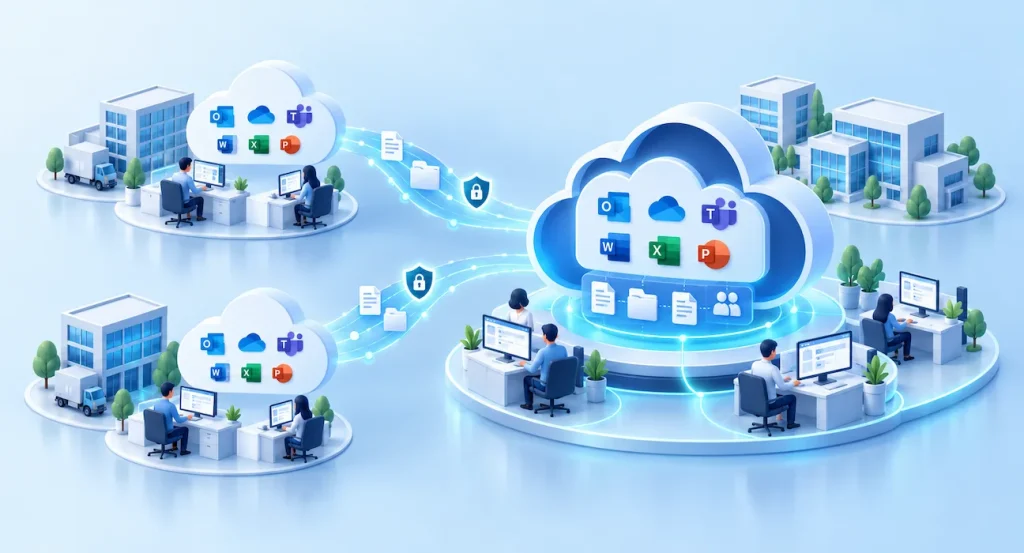
Australian strata management group following an acquisition
Bringing two property businesses together in Microsoft 365
Following the acquisition of another strata company, we consolidated two separate Microsoft 365 tenants while allowing both businesses to retain their individual operating identities.
Read case study : Bringing two property businesses together in Microsoft 365
Large Australian recruitment company with an offshore operations team
Providing an Australian-hosted workspace for an offshore team
We created an Australian-hosted desktop environment for the offshore team of a large recruitment company, allowing staff overseas to work securely while business systems and primary data remain in Australia.
Read case study : Providing an Australian-hosted workspace for an offshore team
Australian IT services business
Recovering a former employee’s mailbox two years after they left
When a legal matter required email from an employee who had left two years earlier, we recovered the former user’s mailbox and historical deleted email from Microsoft 365 backup.
Read case study : Recovering a former employee’s mailbox two years after they left
Australian property management business
Building a secondary recovery environment outside Microsoft Azure
For a property management business running MRI and SQL workloads in Azure, we created a secondary recovery environment in Bang IT Cloud to provide an additional layer of business continuity.
Read case study : Building a secondary recovery environment outside Microsoft Azure
Large Australian property management and facilities organisation
Connecting property sites across Australia with secure business networks
We connected commercial and industrial properties across Australia using high-speed fibre and Sophos firewalls, creating secure site-to-site connectivity for business systems and centrally managed CCTV.
Read case study : Connecting property sites across Australia with secure business networksFrequently Asked Questions
What is Bang IT Cloud?
Bang IT Cloud is our managed cloud server platform for hosting supported virtual server workloads. It allows us to provide and manage virtual machines for clients without requiring physical server hardware at their office.
Where can Bang IT Cloud servers be hosted?
Infrastructure locations are available in Sydney, Melbourne and Brisbane, with US East Coast and West Coast options also available where appropriate. The suitable location depends on the workload, users and requirements.
Is Bang IT Cloud the same as Microsoft Azure?
No. They are separate cloud platforms. We work with both and can recommend an approach based on the workload rather than assuming one platform is right for every situation.
Do you provide Microsoft Azure servers?
Yes. We can provide and manage supported virtual server workloads in Microsoft Azure and help with appropriate Azure infrastructure around them.
Can you migrate our existing server to the cloud?
Potentially, yes. We first review the existing server, applications, dependencies and performance requirements to determine whether moving the workload to Bang IT Cloud or Microsoft Azure is appropriate.
Does everything have to move to the cloud?
No. Some businesses continue to run part of their infrastructure on-premises while other workloads operate in the cloud. The right design depends on the applications, users and business requirements.
Can you back up cloud servers?
Yes. Supported cloud server workloads can be protected using suitable backup arrangements. The available recovery options depend on the workload, backup platform and agreed backup design.
Can a full server be recovered?
Where the server has been backed up using an appropriate full-workload backup design, recovery can extend beyond individual files to the complete server or virtual machine. The recovery method depends on the platform and scenario.
Is cloud always cheaper than running our own server?
Not necessarily. Cost depends on the workload, resources, licensing, storage, backup and ongoing requirements. We prefer to assess the environment rather than assuming cloud hosting will automatically be cheaper.
Thinking about moving a server to the cloud?
Tell us what you're running today and what you're trying to achieve. We can review the workload and talk through whether Bang IT Cloud, Microsoft Azure or another approach makes sense.
Talk to our team